What agents can do
Updated 2026-10-30 · 1 min read
The tools an AI agent gets through the MCP connector.
| Tool | What it does |
|---|---|
list_projects |
Projects you can use, with the agent's rights in each |
get_project_guide |
Naming convention, languages, design brief and example keys |
search_keys, get_key |
Find keys by name or text, with translations and linked layers |
create_keys, update_key |
Create or change keys (dry run first) |
link_keys, unlink_keys, get_links |
Link keys to Figma text layers |
submit_frame_context |
Describe a frame so translations get better context |
translate_keys, get_job |
Translate keys in the background and follow progress |
get_glossary, get_style_guide, run_style_guide |
Read and refresh language rules |
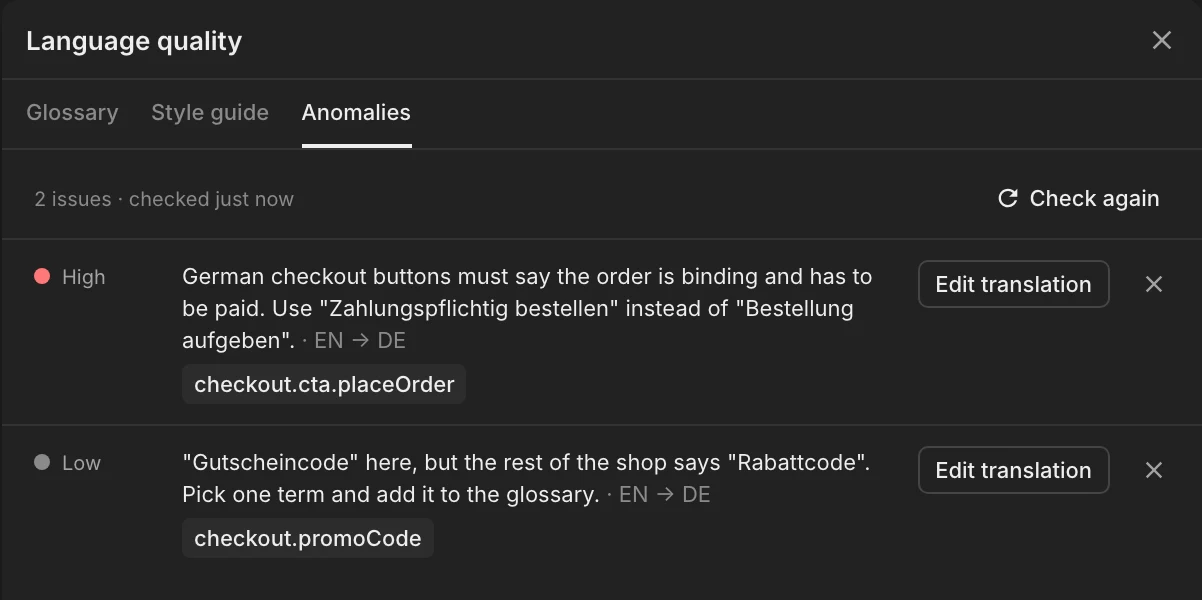
get_anomalies, add_anomalies, remove_anomalies |
Record and clear review findings |
delete_keys, delete_translations |
Delete, with your confirmation |
Limits
60 calls a minute (20 writes) per client, at most 50 items per call and 500 keys per translation job.
Links made by agents
An agent with a Figma tool can mark layers itself. If it cannot, link_keys is enough: the plugin applies the link to the layer the next time someone opens the file.
Was this helpful?